Showing posts with label set. Show all posts
Showing posts with label set. Show all posts
Tuesday, June 27, 2017
Parchment and Text Texture Set
Parchment and Text Texture Set
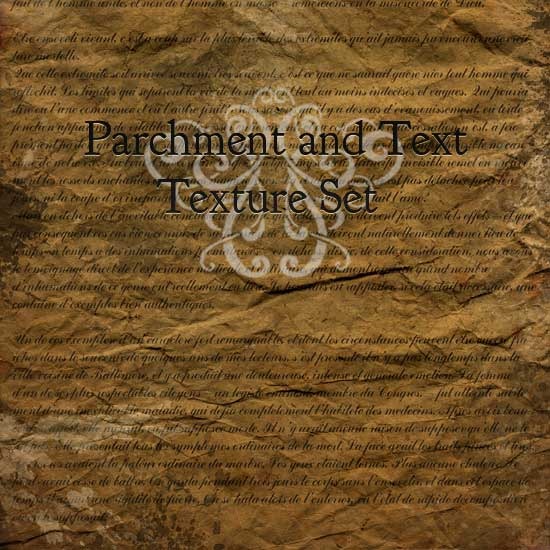
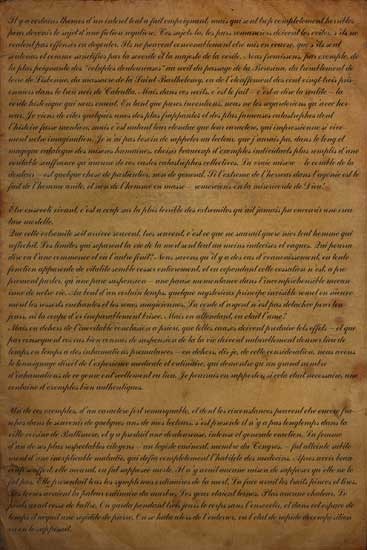
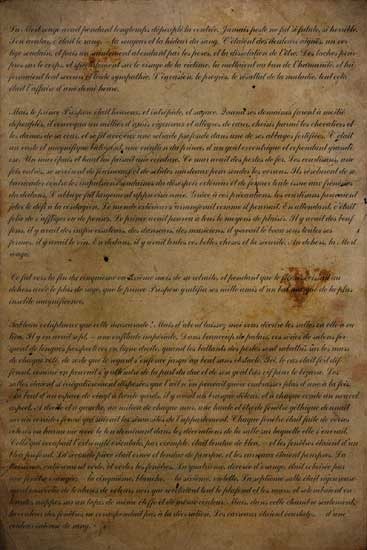
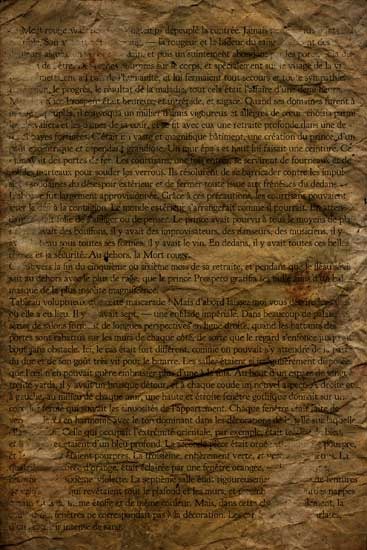
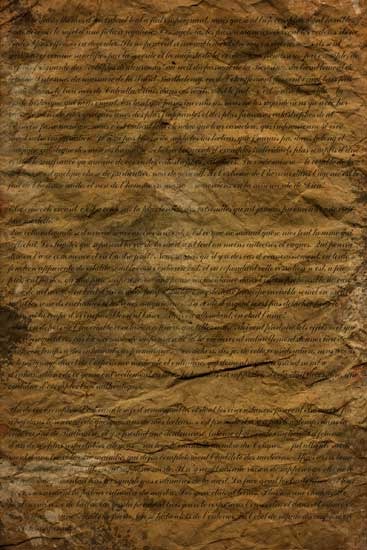
Parchment and Text Texture Set contains four textures, each measures 1707 X 2560 pixels in size. As always, hope they may be of some use.
Small examples of textures in the zipped file.
Download The Zipped Set Here:
Go to link Download

Thursday, May 11, 2017
Photo Frame Set
Photo Frame Set
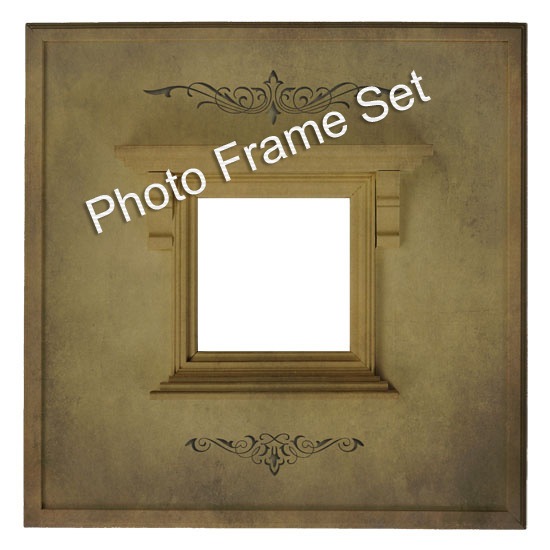
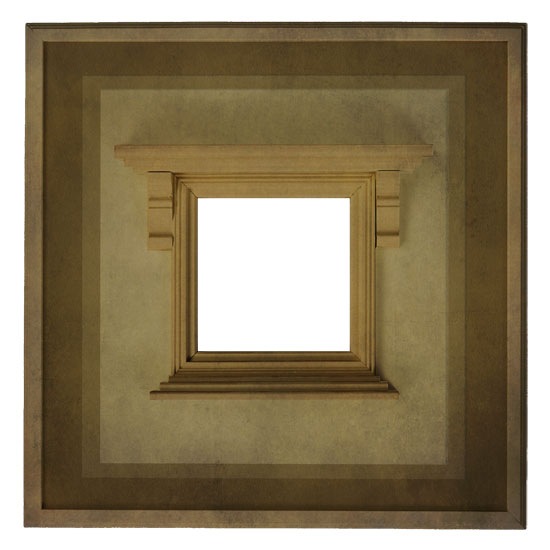
Photo Frame Set contains 3 PNG file photo frames, each measuring 2950 X 2950 "350 PI" resolution. To use, just open an image then open a photo frame and set as the top layer.
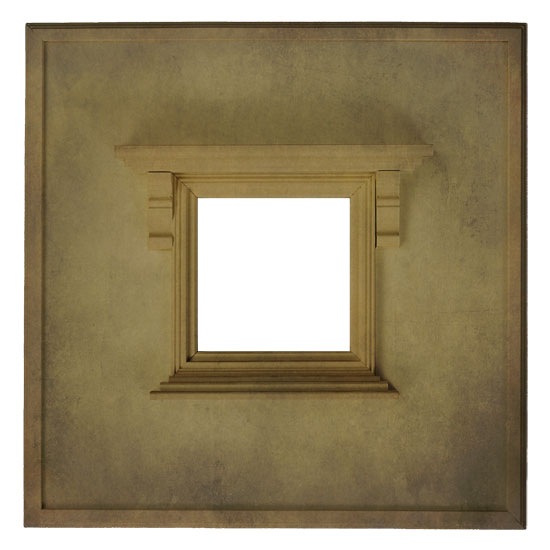
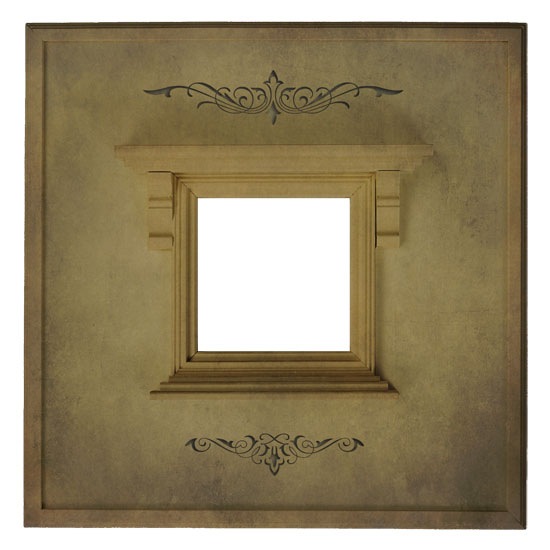
Download Zipped Set Here:
Go to link Download
Friday, April 28, 2017
Post Card Set 3
Post Card Set 3
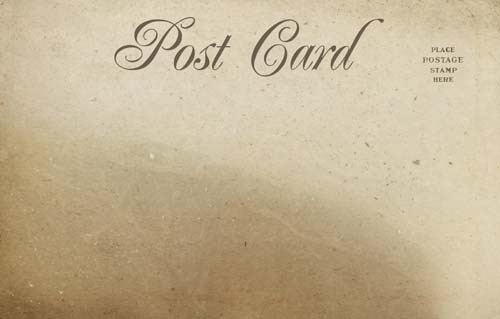
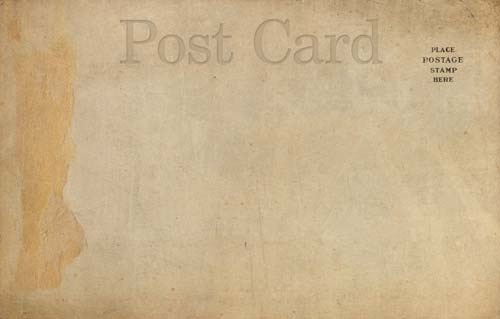
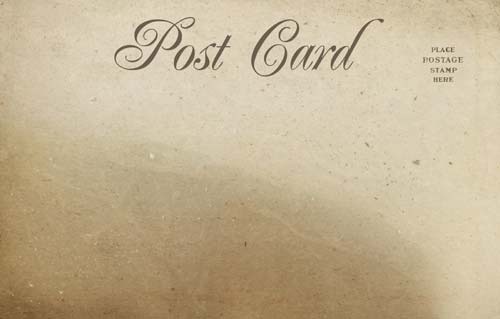
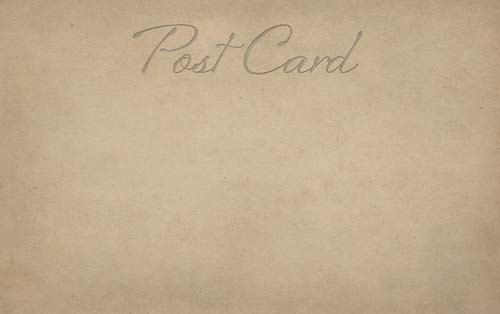
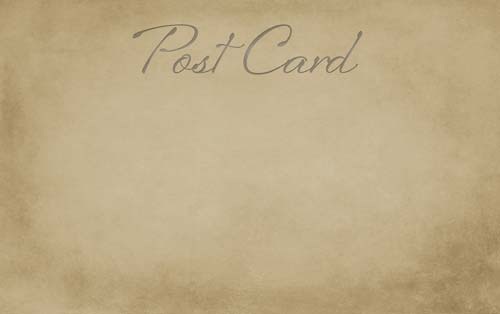
Post Card Set # 3 consists of thirteen very large (99 MB), old and rustic post card
images. Hope they can be of some small use to you.
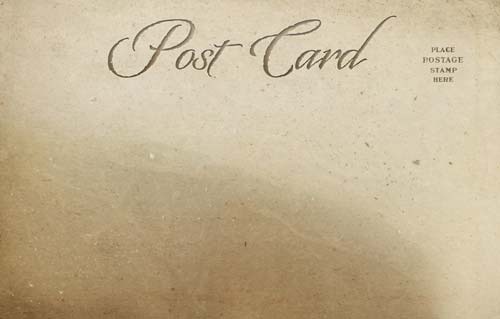
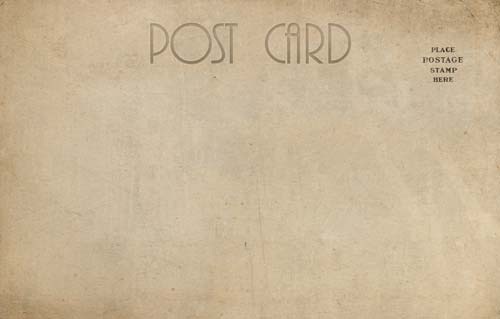
Small examples of the textures in the zipped set shown below:
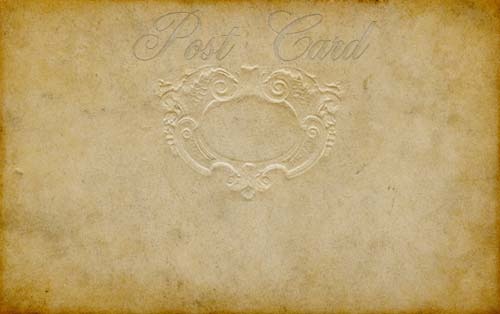
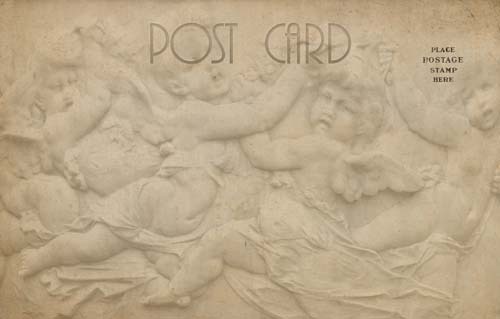
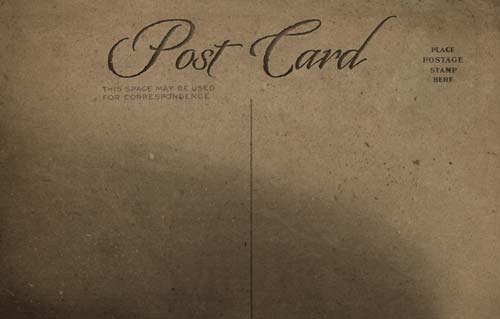
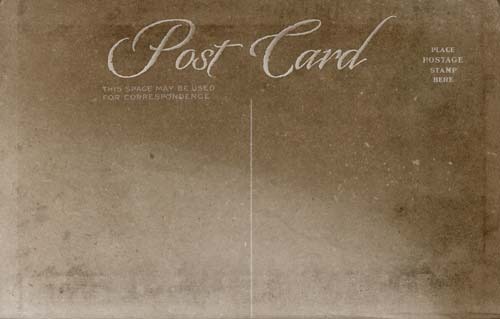
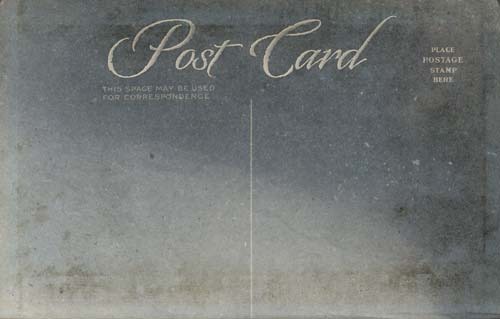
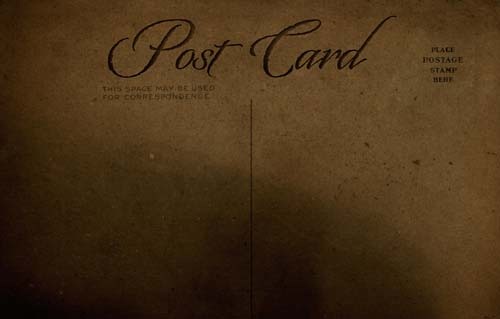
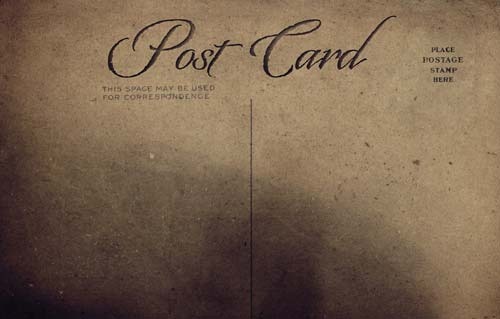
<< Download Zipped Set Here >>
Go to link Download
Wednesday, February 15, 2017
Photo Tints Overlay Set
Photo Tints Overlay Set

Photo Tints Overlay Set contains eleven differently colored overlay tints and one frame (PNG), each overlay measures 2600 X 2000 pixels in size.
The tints are meant to alter your photos and give them a colored somewhat vintage feel, and the white frame (PNG) is meant to give the outer perimeters a soft white transparent feel. Dont be afraid to use more than one overlay per image, actually its best to use two or more to give color and contrast to your images. Hope these can be of some small use to you. Peace
Examples using the overlays posted below:
Original Photo

Butter Creme / layer mode "Color Burn" and opacity at 55%.

Coffee / layer mode "Hard Light" and opacity at 39%.

Harvest / layer mode "Multiply" and opacity at 53%.

Lavender / layer mode "Multiply" and opacity at 53%.

Lichen / layer mode "Linear Burn" and opacity at 47%.

Orange / layer mode "Multiply" and opacity at 42%.

Peach / layer mode "Multiply" and opacity at 63%.

Powder Blue / layer mode "Multiply" and opacity at 68%.

Pumpkin / layer mode "Soft Light " and opacity at 73%.

Sunshine / layer mode "Linear Burn" and opacity at 48%.

White Frame / layer mode "Hard Light" and opacity at 100%.

Burnt Bronze / layer mode "Soft Light" and opacity at 67%.

Download The Zipped Set Here:
Go to link Download
Sunday, January 8, 2017
Raised Paper Texture Set
Raised Paper Texture Set
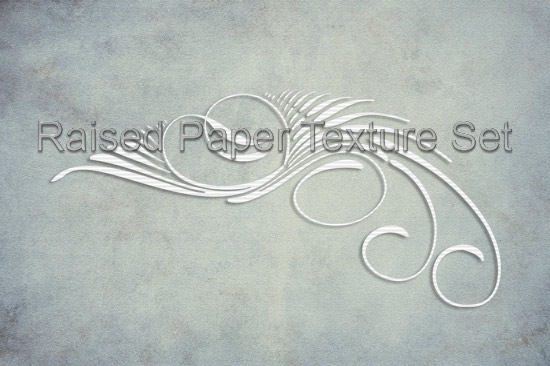
Raised Paper Texture Set contains eight soft vintage toned papers that have a slight raised effect. Each texture measures 2600 X 1729 pixels in size. Hope these may be of some use ....have fun.
Small samples of textures in the set shown below.




Download The Zipped Set Here:
Go to link Download
Monday, December 19, 2016
Pastel Textures Set
Pastel Textures Set

Pastel Textures Set contains ten colorful textures, all measuring 3400 X 2429 pixels in
size. Thought Id also post a quick and simple follow along showing the steps I did to achieve my outcome.

Before Image:

After Image:
Process:
Step 1: Open the Original photo, which becomes the background layer.
Step 2: Added the texture "Pastel 7" and set the layer mode to "Color" and the opacity at 100%.
Step 3: Made a duplicate of the background layer and set the layer mode at "Multiply" and the opacity at 53%.
Step 4: Added the texture "Pastel 6" and set the layer mode to "Linear Burn" and the opacity at 45% applied Gaussian Blur 18%.
Step 5: Added the texture "Pastel 8" and set the layer mode to "Color Burn" and the opacity at 41% applied Gaussian Blur 18%.
Flattened all layers and saved ..................done!
Small samples of textures I zipped set shown below:


Download Zipped Set Here:
Go to link Download
Subscribe to:
Posts (Atom)